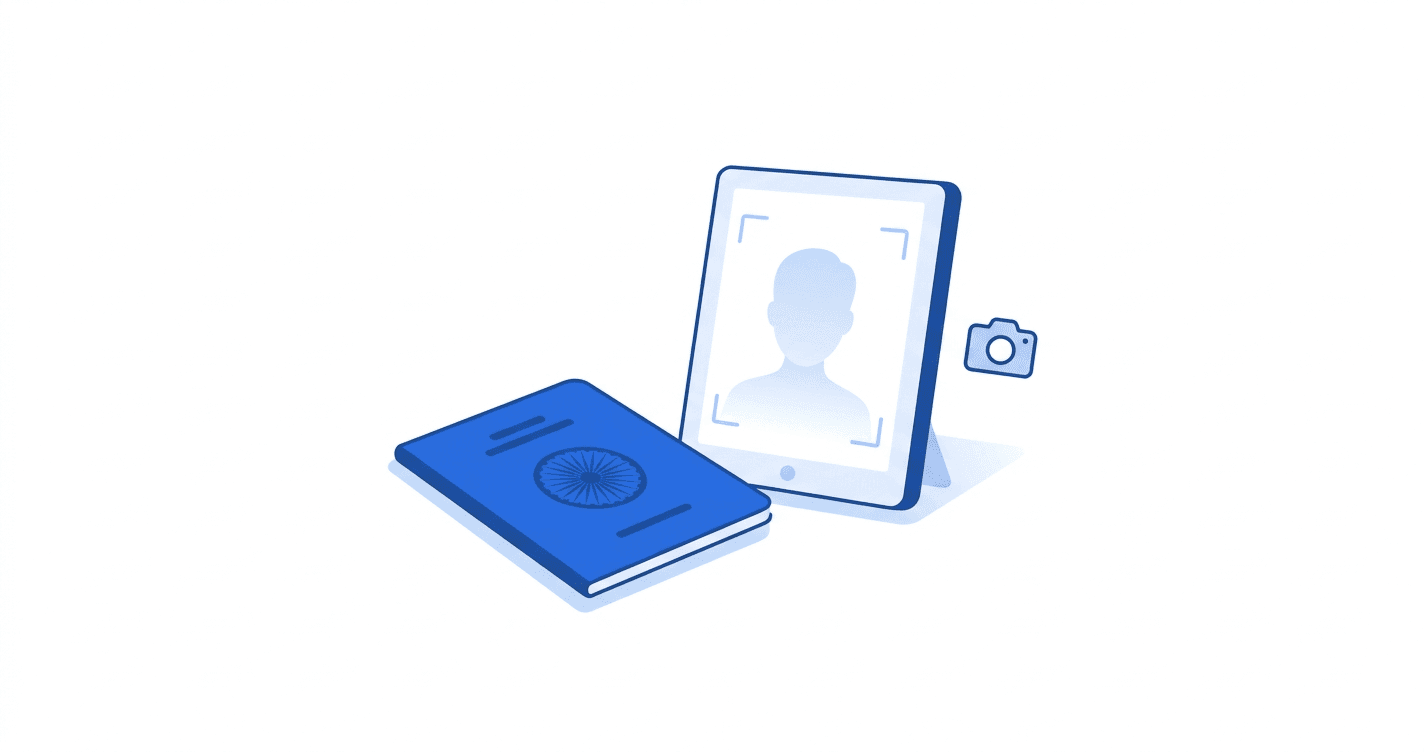
The Passport Seva portal has been quietly rejecting more photos since the February 2026 update, and most applicants do not realise the specs themselves have changed. ICAO standards have been the global benchmark for years, but India's Passport Seva 2.0 release tightened the accepted pixel range, banned a class of glasses that previously passed, and started auto-rejecting head tilt off-axis by more than 5 degrees.
Below is what the 2026 spec actually says and how to make sure your photo clears on the first upload.
What changed in Passport Seva 2.0
The portal updated three things in early 2026. The accepted pixel range tightened from a loose “around 300 × 400” to a strict 630 × 810 pixels (or proportional, up to 900 × 1200), aligning with ICAO 9303 for the chip embedded in new e-passports. The file-size cap moved from 50 KB to 100 KB, a relaxation that lets the photo carry enough detail for the chip but makes “compress until tiny” no longer the safe play. And the rules around glasses now read “no glasses” full stop. Frameless, anti-glare, and prescription frames that previously passed now bounce.
The old 35 × 45 mm physical print still applies for paper passport applications routed through Post Office Passport Seva Kendras, but online applications and renewals all use the digital 630 × 810 px spec from 2026 onwards.
Indian passport photo spec for 2026
Photo
- Format: JPEG, colour
- Dimensions: 630 × 810 pixels (minimum), proportional up to 900 × 1200
- File size: under 100 KB
- Aspect ratio: 7:9 portrait
- Background: plain white, no shadows
- Face coverage: 70-80% of frame, centred
- Expression: neutral, mouth closed, eyes open
- Taken within: 3 months
Rules around glasses, headwear, and face
- Glasses: not allowed at all (previously, frameless and anti-glare were a grey area)
- Religious head coverings: allowed, but face from forehead to chin must remain visible
- Hair: cannot cover any part of the face, including eyebrows
- Face tilt: must be within 5 degrees of straight-on
- Smiling, open mouth, or showing teeth: not accepted
The face-coverage rule is the silent killer. A photo where the face fills only 50% of the frame, with shoulders and chest visible, gets rejected even if everything else is right. Crop tightly — the photo should be “head and a sliver of shoulders”.
How Passport Seva actually checks your photo
The portal runs ICAO 9303 verification on upload, which is essentially an AI face-quality check. It measures face-to-frame ratio, eye position (must be in the upper third), face tilt, background uniformity, and lighting consistency across both sides of the face. The check happens within 2 seconds of upload, and if anything fails you see a specific error like “eye position incorrect” or “background not uniform”.
This is different from how SSC or IBPS check. Those run mechanical validation only. Passport Seva 2.0 actively rejects on visual rules in real time. The good news is you find out immediately and can re-upload; the catch is the AI is strict, so getting it right on attempt one saves time.
The four reasons Passport Seva rejects photos most often
1. Glasses still on.Even frameless or “anti-glare” glasses now trigger rejection. The 2026 update closed every previous loophole. Remove glasses entirely for the shot.
2. Face too small in frame.A typical phone selfie at arm's length leaves the face at 40% of frame. The ICAO check wants 70-80%. Crop hard before upload.
3. Off-white background.Cream walls, very pale yellow, slight beige — all get flagged as “non-uniform background”. Tape a plain white A4 sheet to the wall and stand 60 cm in front of it. Avoid any direct shadow behind your head.
4. Image too heavily compressed. With the 100 KB cap, applicants over-compress to 30 KB to be safe. The chip-embedding step needs detail, so the verifier rejects anything that reads as blocky JPEG. Aim for 70-95 KB, not the minimum.
Fixing your passport photo in two minutes
With a fresh phone photo against a plain white wall, no glasses, neutral expression, run it through utiltap.com/passport-photo-resizer-india. The tool outputs at 630 × 810 px and under 100 KB, with a face-position guide overlaid so you can confirm the crop matches Passport Seva's 70-80% rule before downloading.
For a non-standard pixel target (say 900 × 1200 for the higher resolution variant), utiltap.com/image-resizer-pixels handles any custom dimension and outputs as JPEG or PNG. To hit the 100 KB cap without losing quality, utiltap.com/image-compressor lets you watch the file size drop as you slide the quality bar — much safer than guessing. If you already have a compliant photo but the file is over 100 KB, utiltap.com/resize-image-to-100kb compresses cleanly while holding pixel dimensions.
Frequently Asked Questions
Q: What is the new Indian passport photo size for 2026?
A: 630 × 810 pixels minimum (proportional up to 900 × 1200), JPEG, under 100 KB. This applies to all online Passport Seva applications and renewals. The old 35 × 45 mm physical print is still used for in-person Post Office Passport Seva Kendra applications.
Q: Can I wear glasses in my 2026 Indian passport photo?
A: No. The Passport Seva 2.0 update banned glasses entirely, including frameless, anti-glare, and prescription frames that were previously a grey area. Remove glasses for the photo.
Q: How tight should the face crop be for a passport photo?
A: 70-80% of the frame height. The photo should be “head and a sliver of shoulders”, not a full-shoulders portrait. If you can see your collar, crop tighter.
Q: Are infant photos for passport accepted with a parent in frame?
A: No. The infant must be photographed alone with no parent's hands visible. Lay the infant on a plain white sheet and photograph from directly above. Sleeping eyes are accepted only for infants under 6 months.
Q: Does Passport Seva accept photos taken on a phone?
A: Yes, as long as the spec is met. A phone photo with the right crop, lighting, and background passes the ICAO check easily. Most professional studios charge ₹100-200 for what a phone with a plain white wall can produce.
Try the free tool
Output a Passport Seva-spec photo at 630 × 810 px under 100 KB with a face-position guide overlaid, entirely in your browser.
Open Passport Photo Resizer →